Open source · macOS
Beautiful screen recordings, minus the editing.
viewio captures your screen in up to 4K60, then lets you restyle everything after the fact - cursor, zoom, background, and music.
Everything you need after you hit stop
Capture clean. Style later. No multi-hour editing session required.
-
Record up to 4K60
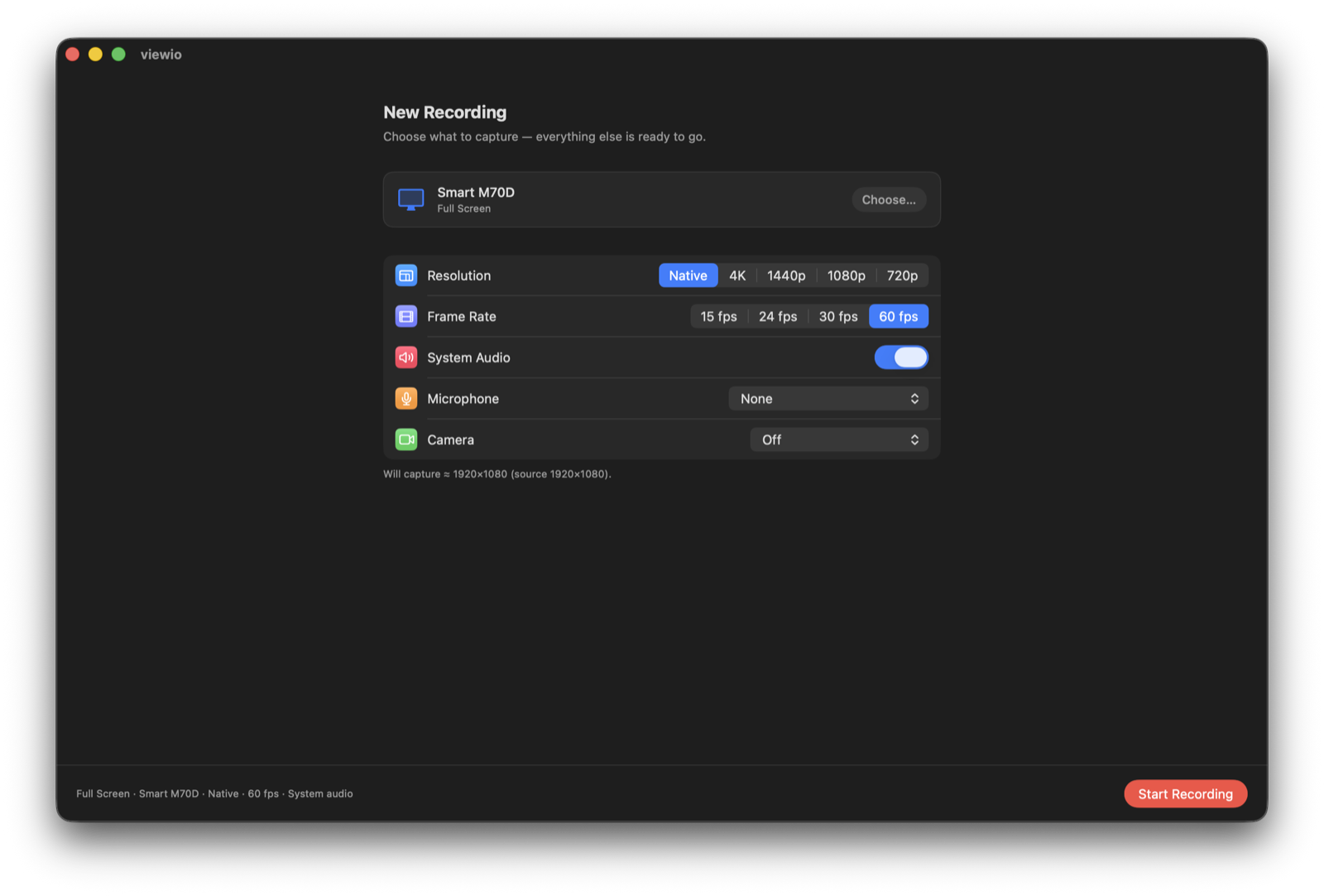
Native, 4K, 1440p, 1080p, or 720p - with frame rates from 15 to 60 fps. Capture full screen, a window, or a region.
-
Auto Zoom
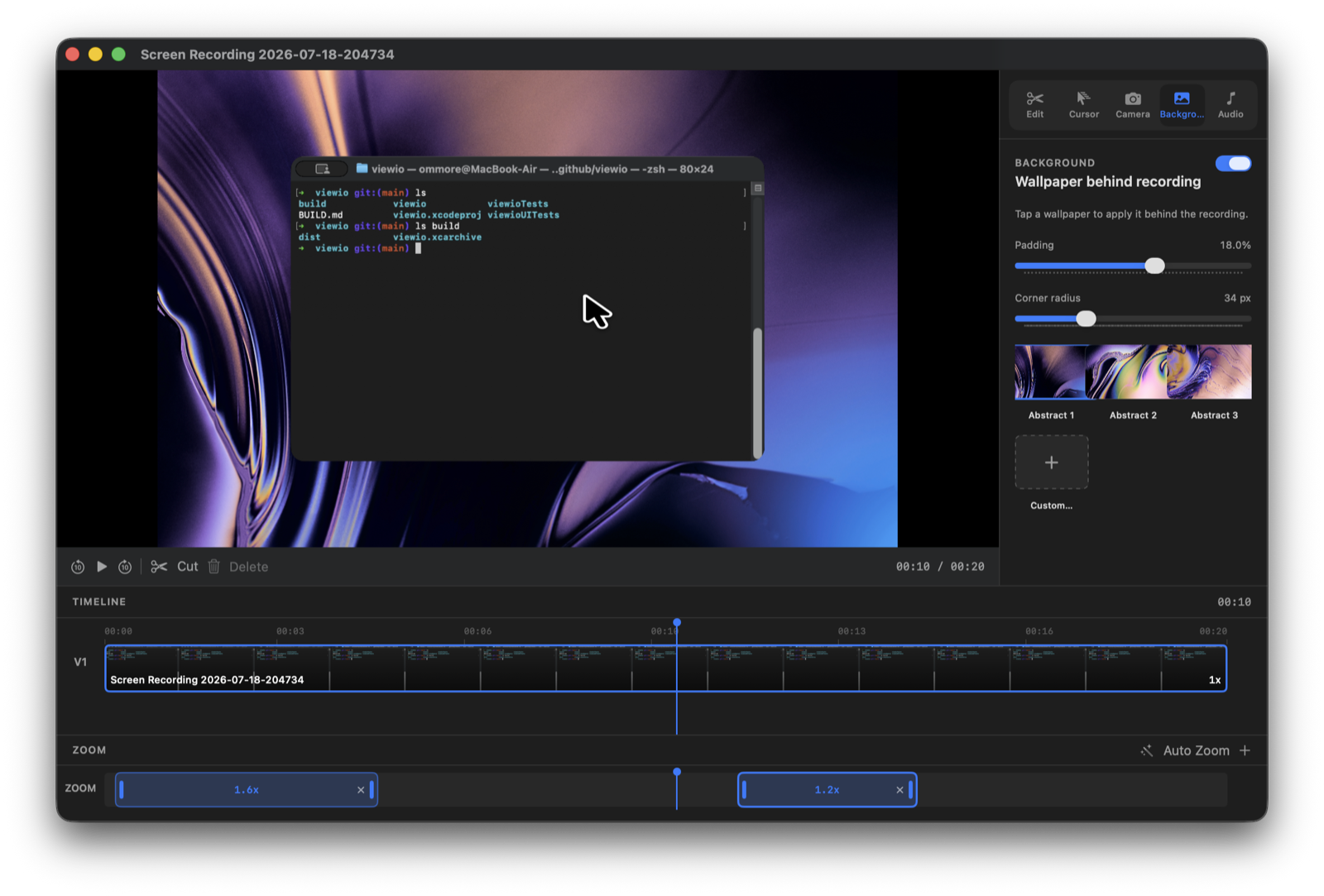
Add zoom ranges on the timeline that follow your cursor, with smooth entry and exit. Make demos feel intentional.
-
Cursor styles
Restyle the cursor after capture with real macOS cursor assets. Pick the pointer that fits the story.
-
Backgrounds & padding
Drop a wallpaper behind your recording, tune padding and corner radius, or upload a custom background.
-
Audio your way
System audio, microphone, background music, and mute original - mix narration and soundtrack after the fact.
-
Camera overlay
Add your camera to the recording when you need a talking head next to the screen.
From setup to export
A focused recorder and a full editor - both built for demos, tutorials, and product videos.